

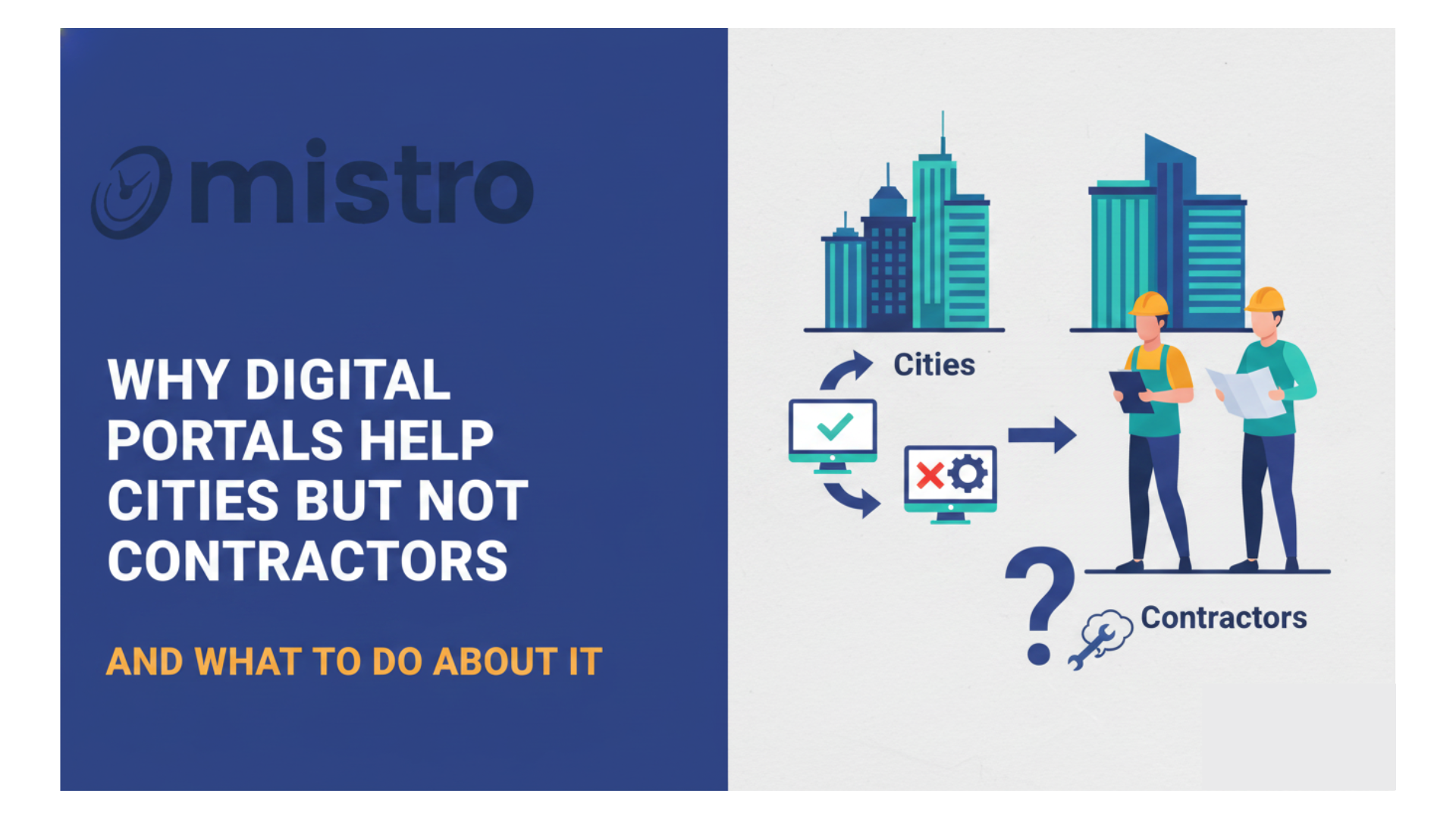
Permit portals solved a problem for cities. They centralized submissions, improved transparency, and reduced manual processing. From a municipal perspective, the system works.
From a contractor’s perspective, the same system creates fragmentation. Each jurisdiction operates its own portal, with its own rules, formats, and workflows. Managing multiple projects across cities turns into a coordination problem.
This is where the search for a permit tracking spreadsheet alternative starts.
Cities Love Portals – Contractors Struggle With Them
Digital portals are designed around a single jurisdiction. They organize permits within that city’s system, not across a contractor’s entire project portfolio.
For cities, that structure is logical:
- One portal per jurisdiction
- One dataset per system
- One approval workflow
For contractors, it creates duplication:
- Multiple logins
- Multiple formats
- Multiple tracking methods
Instead of simplifying workflows, portals distribute them across disconnected systems.
Why Cities Implement Permit Portals
Understanding the intent behind portals explains why they work for municipalities.
1. Transparency
Portals allow public visibility into:
- Permit status
- Application history
- Approval timelines
This improves accountability and reduces manual inquiries.
2. Public Access
Applicants can:
- Submit documents online
- Check status without calling offices
- Receive updates digitally
This reduces administrative load for city staff.
3. Standardization Within Jurisdiction
Each city defines:
- Submission requirements
- Review processes
- Inspection scheduling
Within that jurisdiction, the system remains consistent.
The system works as designed just not for multi-project contractors.
Contractor Pain Points
The issues begin when projects span multiple jurisdictions.
1. Multiple Portals
Each city requires:
- Separate accounts
- Different workflows
- Unique submission formats
Managing access alone becomes a task.
2. No Cross-City Visibility
There is no unified view of:
- All active permits
- Status across projects
- Delays or bottlenecks
This makes it difficult to track all open permits across project managers.
3. Manual Coordination
Teams rely on:
- Emails
- Calls
- Internal updates
This creates gaps in communication and increases contractor permit coordination complexity.
4. Inconsistent Data Structures
Each portal organizes data differently. Comparing timelines or statuses across jurisdictions becomes difficult.
These issues push contractors toward internal tracking systems.
Why Spreadsheets Become the Default
Spreadsheets fill the gap between disconnected portals.
They allow teams to:
- Centralize permit data
- Track multiple projects
- Share updates internally
At first, this works. A spreadsheet acts as a flexible permit management vs spreadsheet solution when volume is low.
Why teams rely on spreadsheets:
- Easy to set up
- Familiar interface
- No additional software required
But this approach does not scale.
Limitations of Spreadsheet Tracking
Spreadsheets solve visibility at a basic level. They introduce new problems as operations grow.
1. Manual Updates
Every status change requires manual entry. Delays in updates create inaccurate data.
2. No Real-Time Sync
Spreadsheets do not connect to permit portals. Data becomes outdated quickly.
3. Version Control Issues
Multiple users lead to:
- Conflicting edits
- Duplicate files
- Lost updates
4. Limited Automation
Spreadsheets cannot:
- Trigger alerts
- Track dependencies
- Manage workflows
5. Lack of Centralized Oversight
As projects scale, spreadsheets fail to support:
- Portfolio-level visibility
- Team-wide coordination
At this stage, contractors start looking for a true permit tracking spreadsheet alternative.
What Contractors Actually Need
The gap between portals and spreadsheets defines the requirements for a better system.
1. Portfolio Visibility
Contractors need a unified view of:
- All permits
- All projects
- All jurisdictions
This allows teams to track all open permits across project managers without switching systems.
2. Cross-Jurisdiction Tracking
A functional system should:
- Normalize data across cities
- Provide consistent status updates
- Align timelines across projects
This reduces friction in multi-city operations.
3. Centralized Coordination
Effective contractor permit coordination requires:
- Shared access across teams
- Standardized workflows
- Clear ownership of tasks
4. Real-Time Updates
Systems should:
- Reflect current permit status
- Reduce manual entry
- Provide alerts for delays
5. Visual Dashboards
An electrical permit dashboard or similar interface helps teams:
- Identify bottlenecks
- Monitor timelines
- Prioritize actions
This level of visibility is not possible with spreadsheets alone.
Permit Management vs Spreadsheet: The Shift
The transition from spreadsheets to software is not about replacing a tool. It’s about changing how data is managed.
Spreadsheet approach:
- Manual
- Static
- Fragmented
Software approach:
- Automated
- Dynamic
- Centralized
This shift enables better decision-making and reduces operational risk.
The Role of Permit Coordination Software
Dedicated permit coordination software bridges the gap between city portals and contractor workflows.
Platforms like Mistro provide:
- Centralized permit tracking across jurisdictions
- Real-time updates and status visibility
- Integrated workflows for teams
- Scalable electrical permit tracking software capabilities
This creates a single source of truth across projects.
Practical Example
Two contractors manage similar project portfolios:
Contractor A:
- Uses spreadsheets
- Manually updates permit status
- Limited visibility across teams
Contractor B:
- Uses a centralized system
- Tracks permits across jurisdictions
- Uses an electrical permit dashboard for oversight
Outcome:
- Contractor A experiences delays and coordination gaps
- Contractor B maintains consistent timelines and visibility
The difference comes from system structure, not project complexity.
What to Do About It
If you’re relying on spreadsheets today, the next step is not abandoning them immediately. It’s identifying where they fail.
Start by:
- Mapping all active permits
- Identifying coordination gaps
- Tracking update delays
Then evaluate tools that function as a true permit tracking spreadsheet alternative.
Final Thoughts
Digital permit portals work for cities because they are designed around a single jurisdiction. Contractors operate across multiple jurisdictions, which creates fragmentation.
Spreadsheets fill the gap temporarily but introduce limitations as operations scale.
A structured system, built for cross-jurisdiction tracking, real-time updates, and centralized coordination, aligns better with contractor workflows.
Looking for a Better Way to Track Permits?
If you’re managing multiple projects and need a scalable permit tracking spreadsheet alternative, explore solutions from Mistro. From electrical permit tracking software to full permit coordination software, a centralized platform helps you manage permits with clarity and consistency across every project.